

A seated workspace for Meta Quest 3 · by JFK Design
Your desk.
A different view.
Settle into a forest loft, a coastal villa or a quiet city penthouse. DeepWork Space gives your everyday work a place you want to be.
Explore the environments ↓Coming soon to Meta Horizon Store.
Planned price: $9.99 USD, one-time purchase.
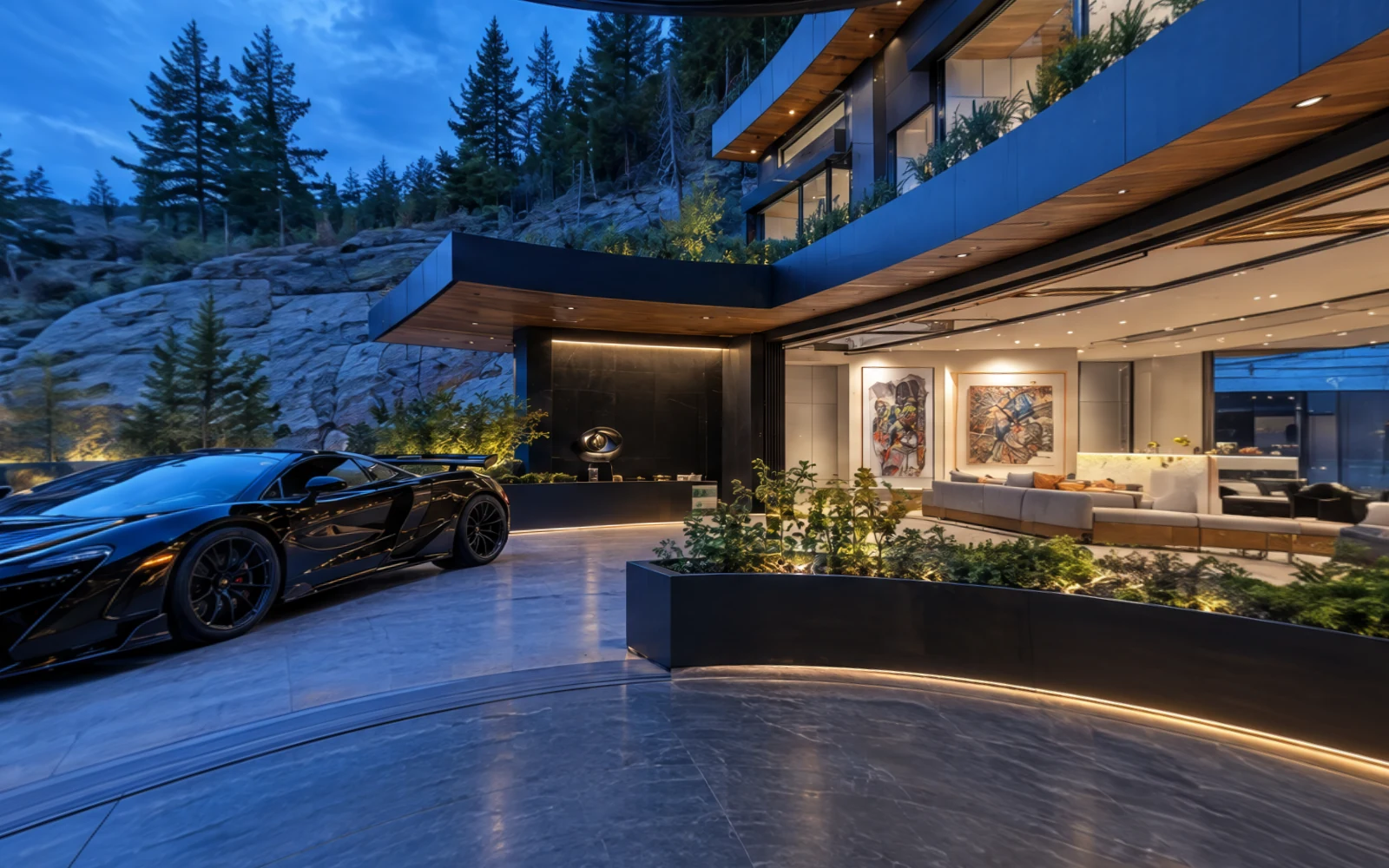
Choose where
you settle in.
Six panoramic environments, each with its own atmosphere. Look around from your seat, choose your view and keep your desk just how you like it.
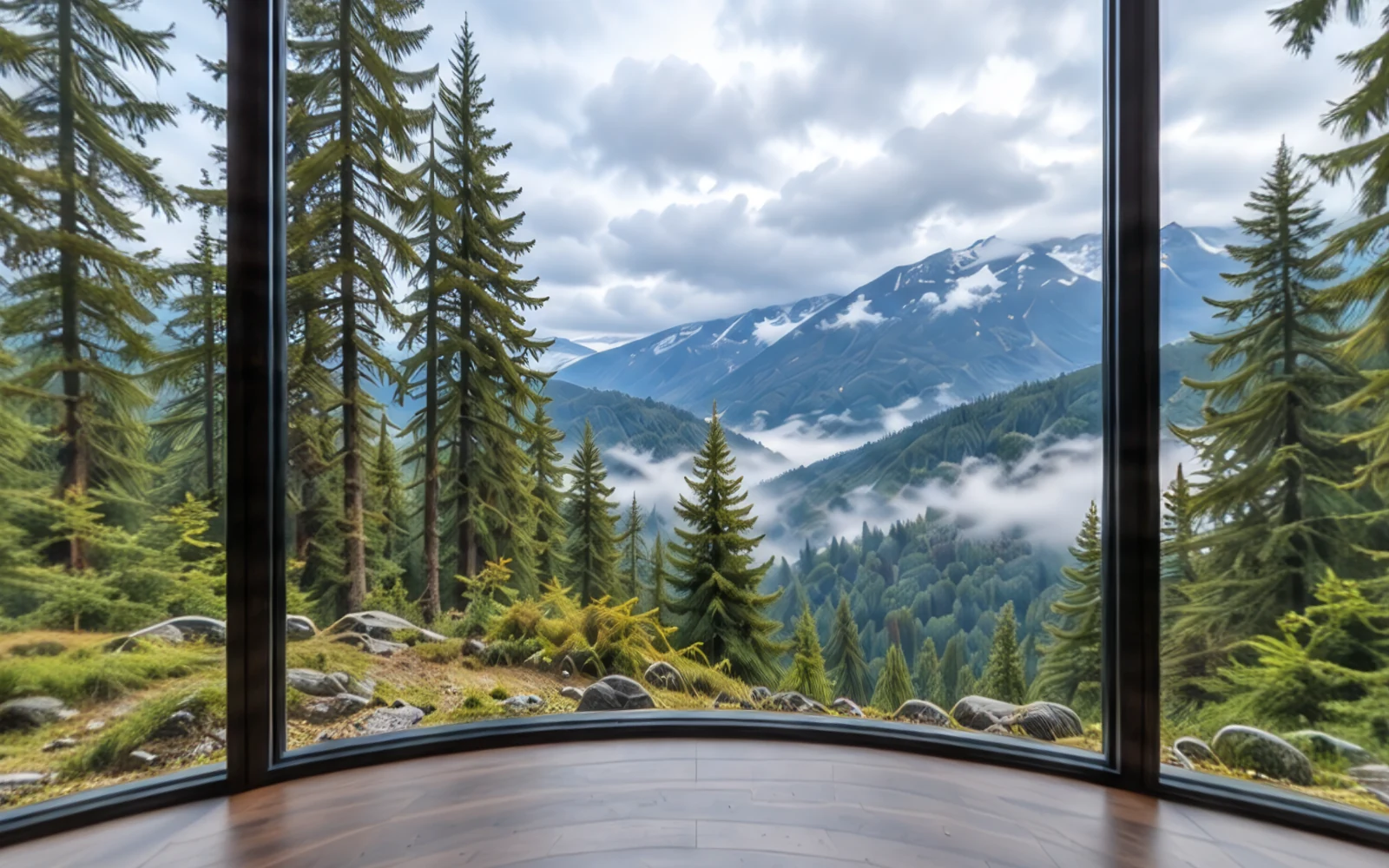
Forest Loft
Timber, trees and mountain light.
Bali Cliff Villa
A slower pace above the ocean.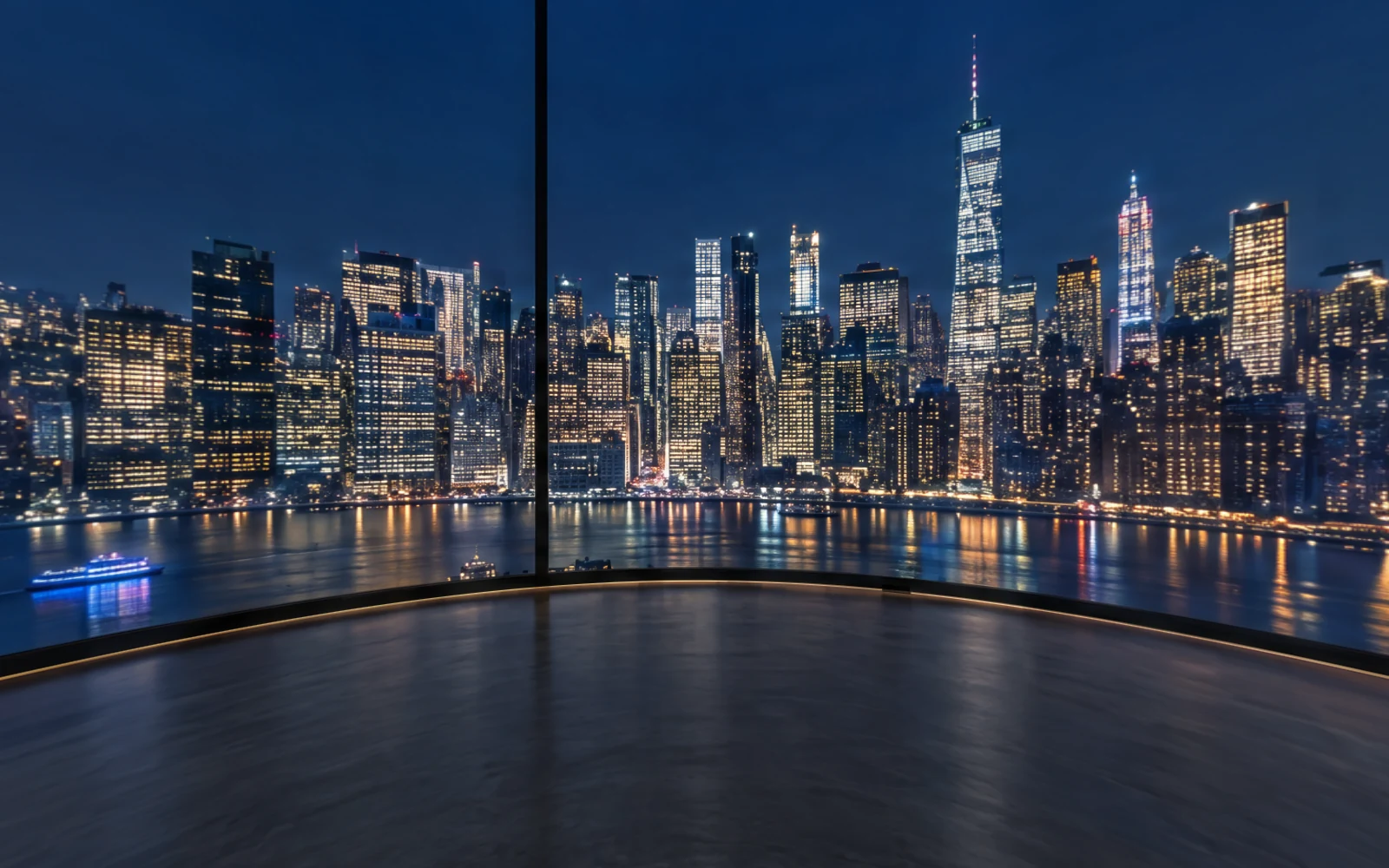
Penthouse at night
City lights after dark.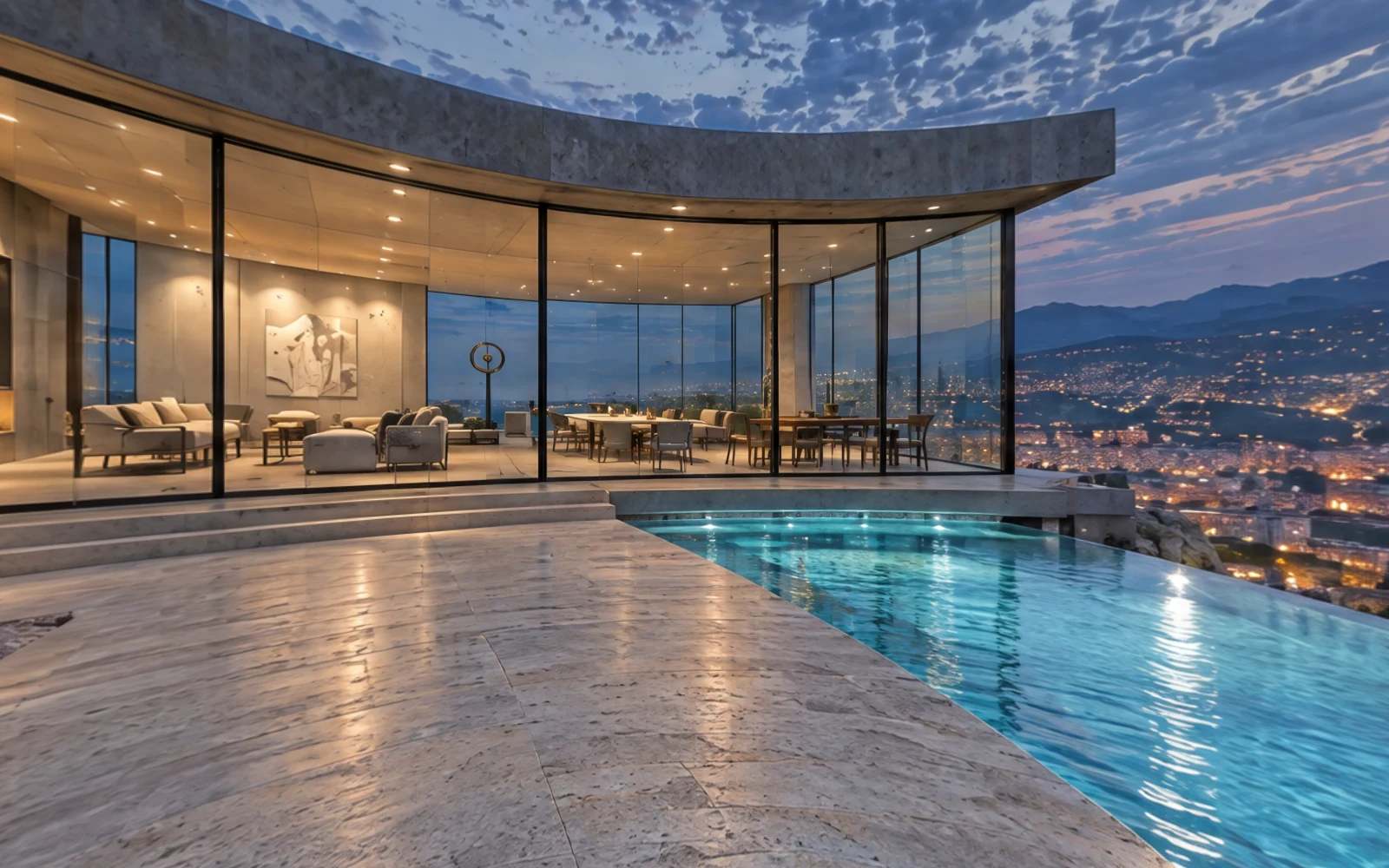
Coastal Terrace
Open air and a coastal horizon.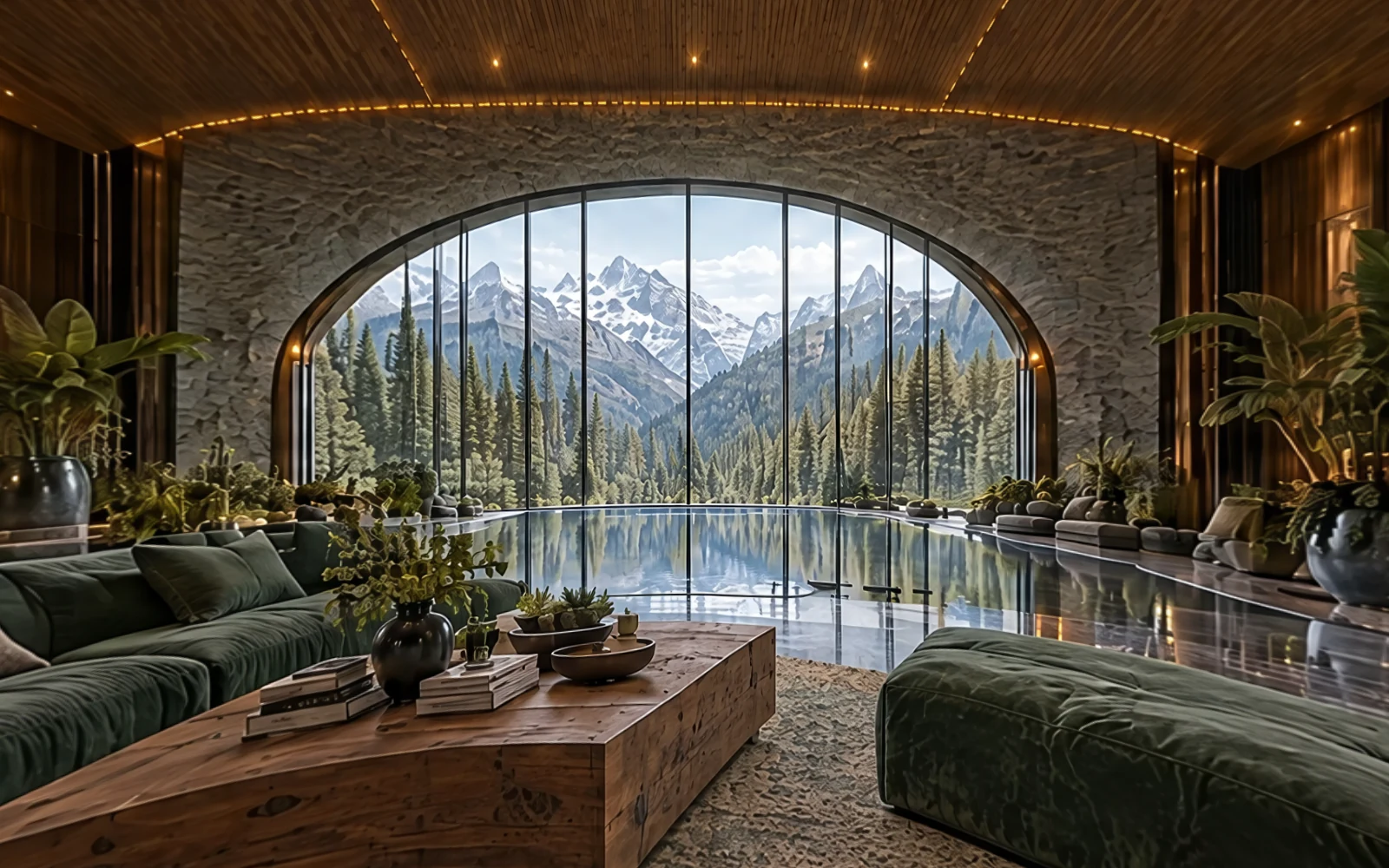
Alpine Lounge
A mountain retreat, indoors.Cliff House
Stone, glass and evening light.These are previews rendered from the app’s static, AI-created panorama assets. The virtual desk and Meta windows are separate elements displayed in the headset. A simple black background is also available.
Make room
for your work.
A familiar seated setup, with a change of surroundings. Adjust it from the separate DeepWork control panel.
A desk that feels like yours
Choose a tabletop finish and adjust the desk’s height and depth. Change the scenery without changing your preferred desk finish.
- Black
- White
- Black concrete
- Light wood
- Ebony style
- Dark wood
- Frosted glass
Keep your keyboard in sight
Keyboard passthrough reveals your physical keyboard through the environment. Detection depends on your keyboard, lighting, permissions and headset software.
Your system windows, alongside
Use compatible Meta Browser and Remote Display windows in your workspace. These are separate Meta features; computer streaming is not built into DeepWork Space.
Before you
put it on.
A few things to know about V1.
Is DeepWork Space available to buy?
Not yet. We are preparing the Meta Horizon Store release. The planned price is $9.99 USD as a one-time purchase. The final price, taxes and local currency will be shown by Meta when the app is available.
Can I walk around these rooms?
V1 is designed for seated use. You can look around and rotate your view, but the surroundings are static panoramas rather than walkable 3D rooms. Water, clouds and other elements in the images do not animate.
Do I need a computer or a cable?
The workspace runs on the headset after installation, without a USB cable. A computer is needed only if you choose to stream its screen using a separate compatible service, such as Meta Remote Display.
Which headset is this built for?
DeepWork Space V1 has been developed and tested on Meta Quest 3. Other models are not currently advertised as supported. System window behavior and keyboard detection depend on the installed Horizon OS version.
How do I reopen the controls?
If you close the DeepWork control panel, select DeepWork Space again from Apps to reopen it. You can use the panel to choose a scene, adjust the view and personalize your desk.
Does the app require a DeepWork account?
No separate DeepWork account is required. The app uses Meta’s platform and headset permissions. Read our app privacy policy for details about local tracking, saved settings and support requests.
Need a hand?
Support for DeepWork Space, directly from JFK Design.
Include your headset model, app version and a short description of the issue. Please hide personal information in screenshots.
Privacy and data deletion →